Fourteen host offers now available · Or start free, get the free cleaning checklist ›
Spreadsheet for STR hosts

Short-Term Rental Financial Dashboard

Tested Excel workbook · See all seven tabs
$19beta price

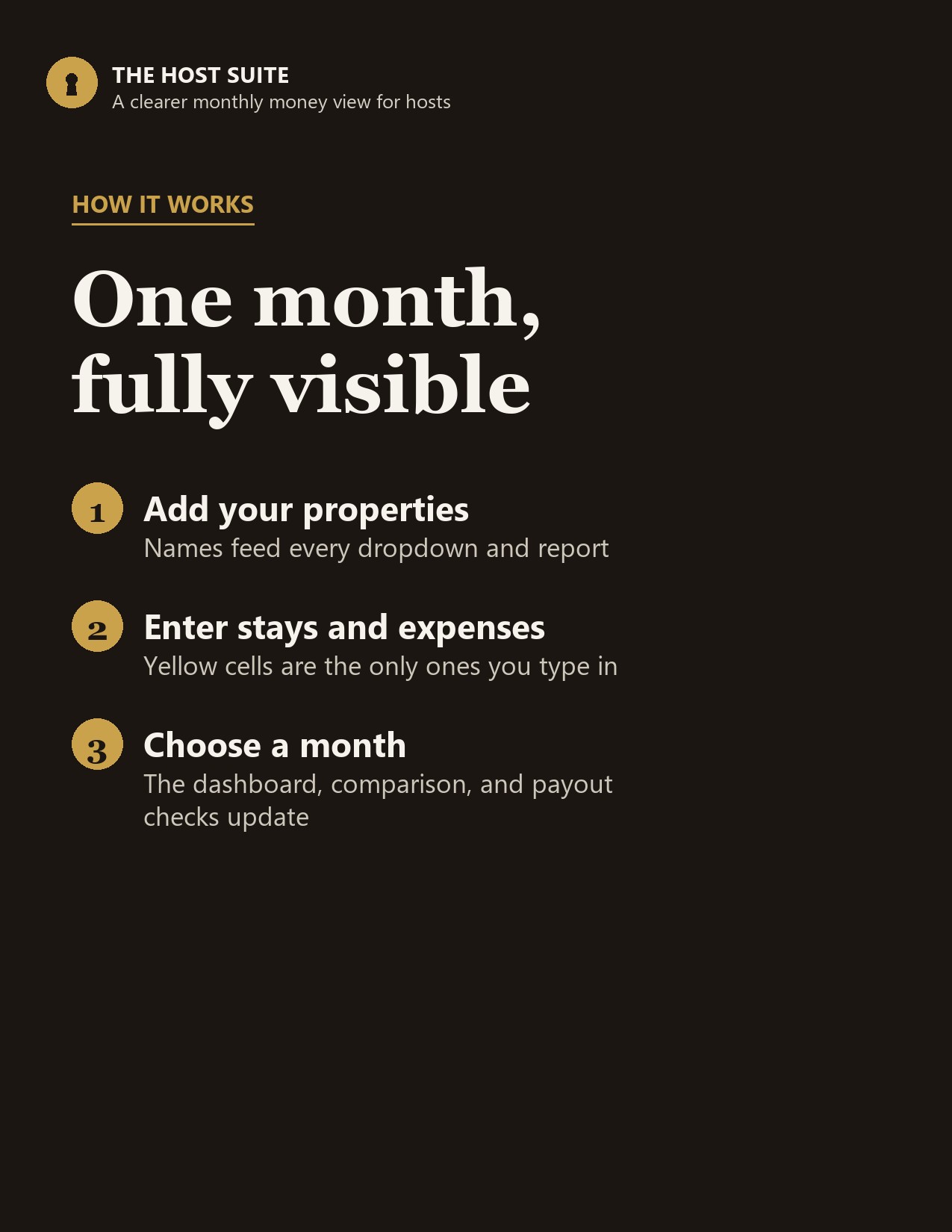
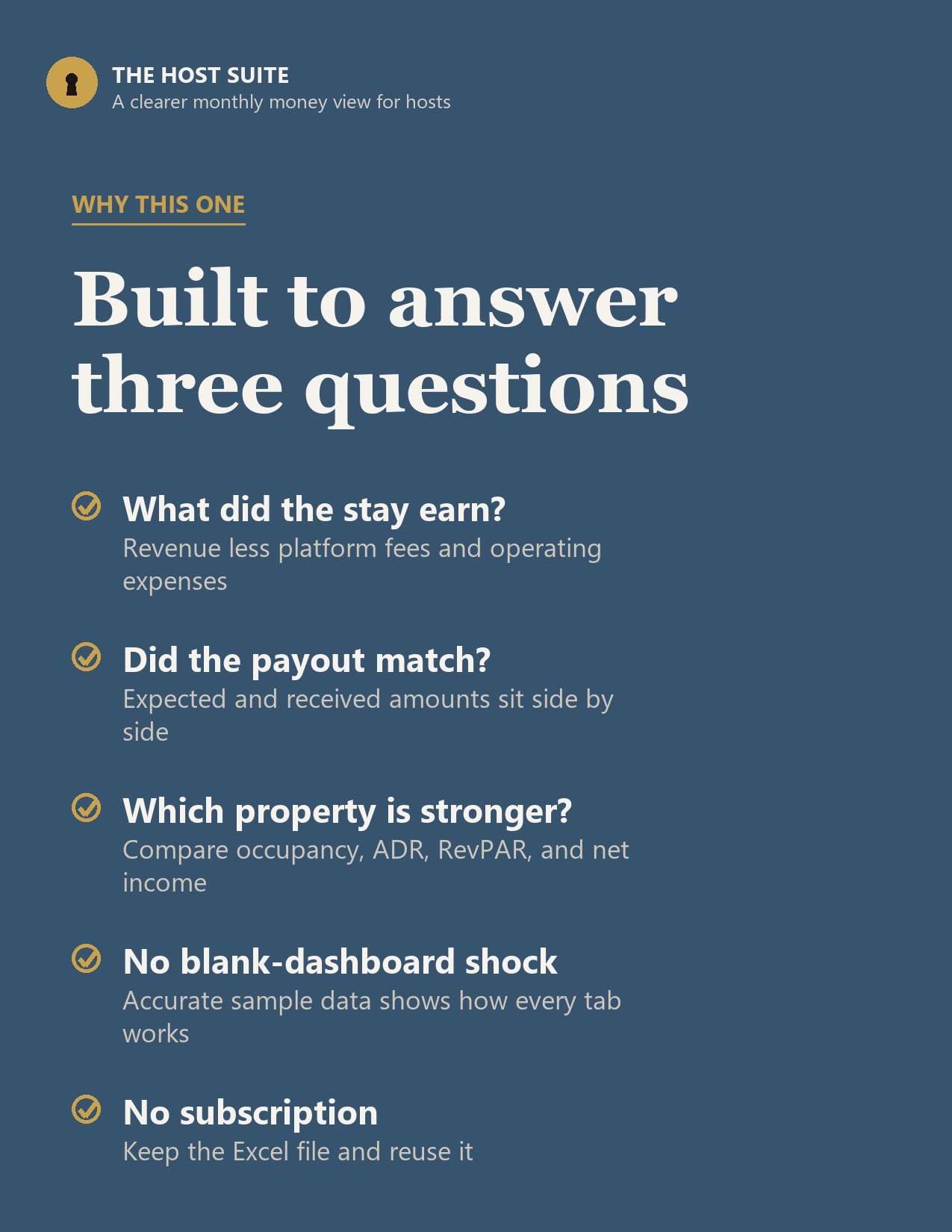
See what each stay earned, what each property kept, and whether the platform payout matched. Enter bookings and expenses once, then choose a month to update the dashboard, comparison, and reconciliation views.

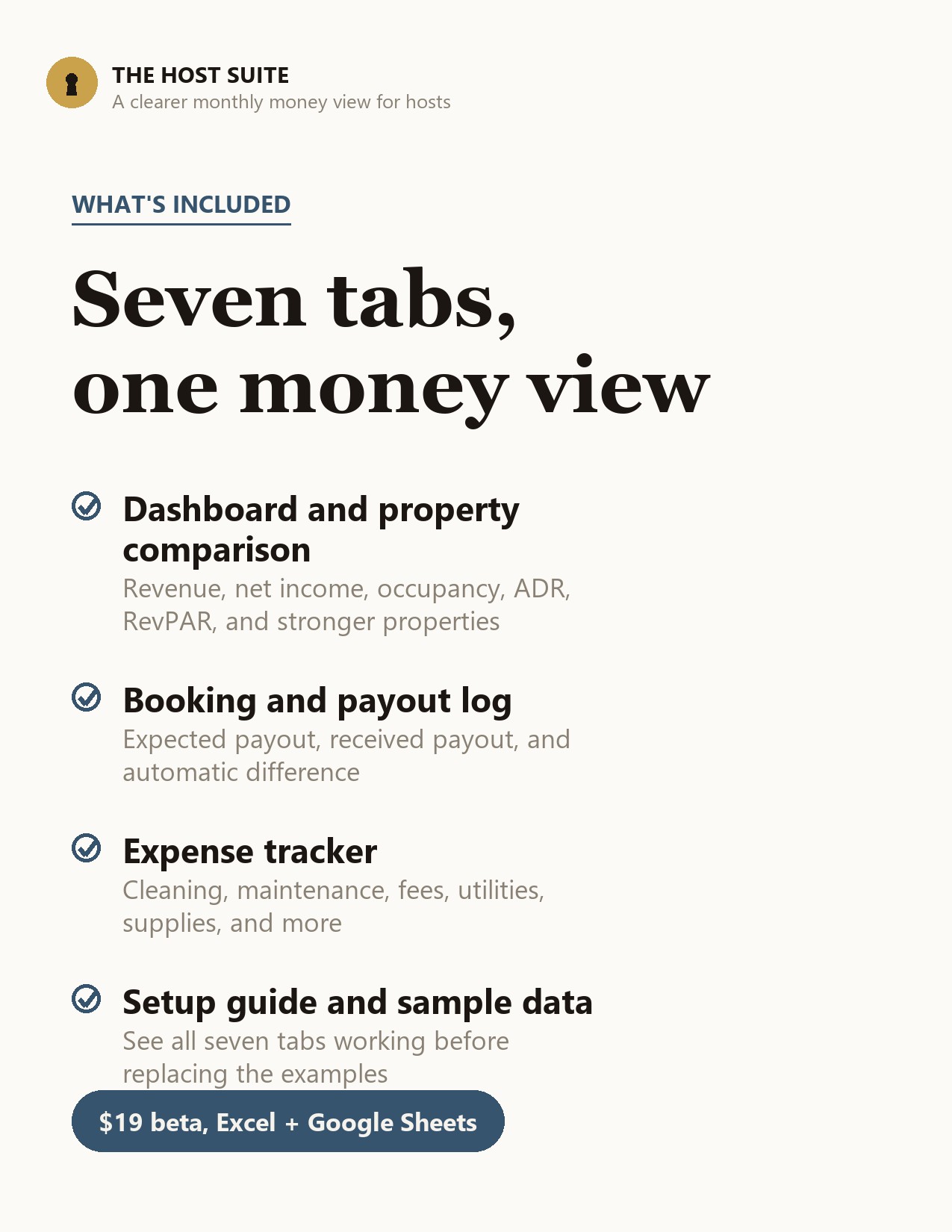
  • Monthly gross revenue and net operating income
  • Occupancy, ADR, RevPAR, and reservation count
  • Airbnb, Vrbo, Booking.com, direct, and other channels
  • Expected payout, received payout, and difference
  • Property comparison and six-month trend
  • Setup guide plus working sample data
See exactly what is inside

Payment is not collected yet. The beta request reserves the launch price.

X Excel workbook
G Google Sheets compatible
Reusable, no subscription

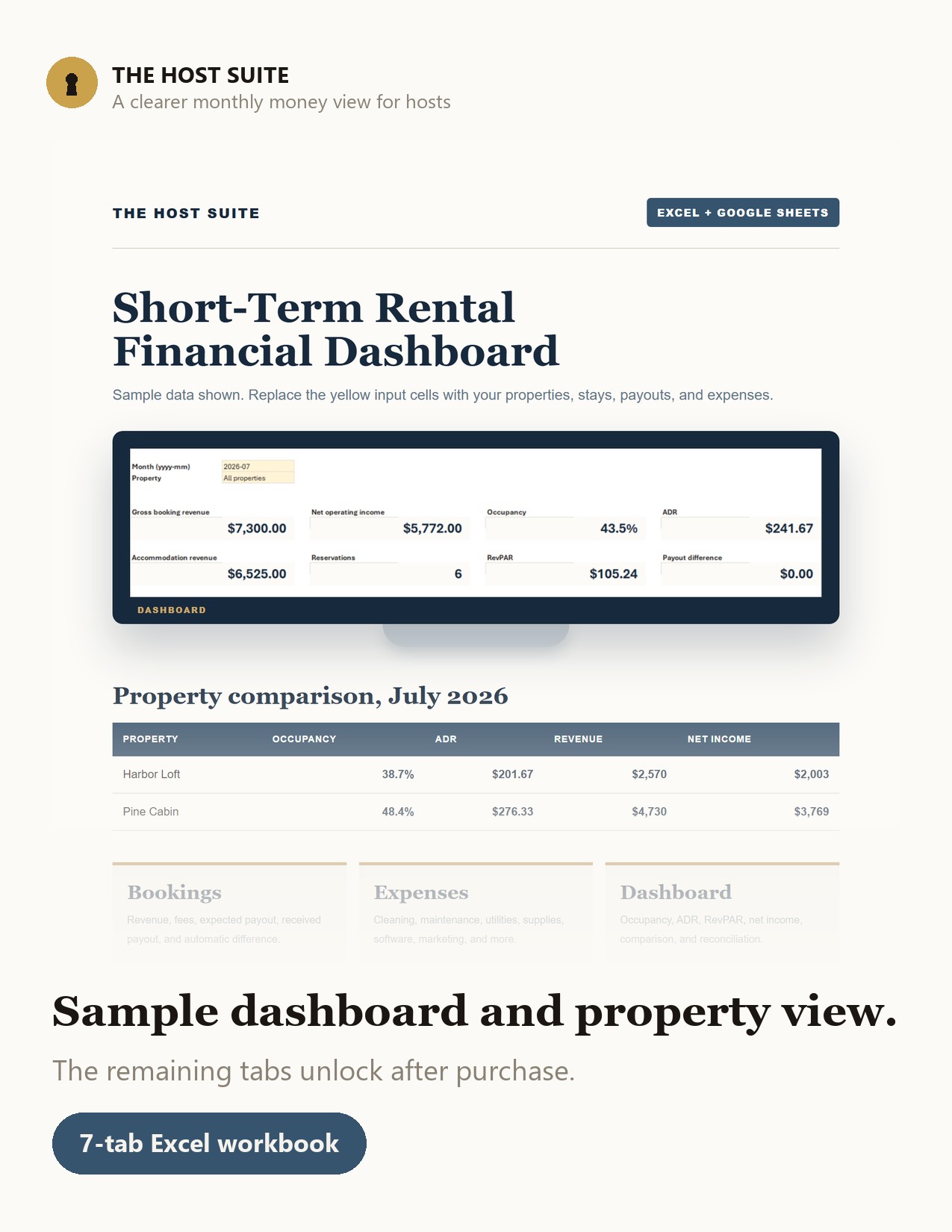
The month in one view

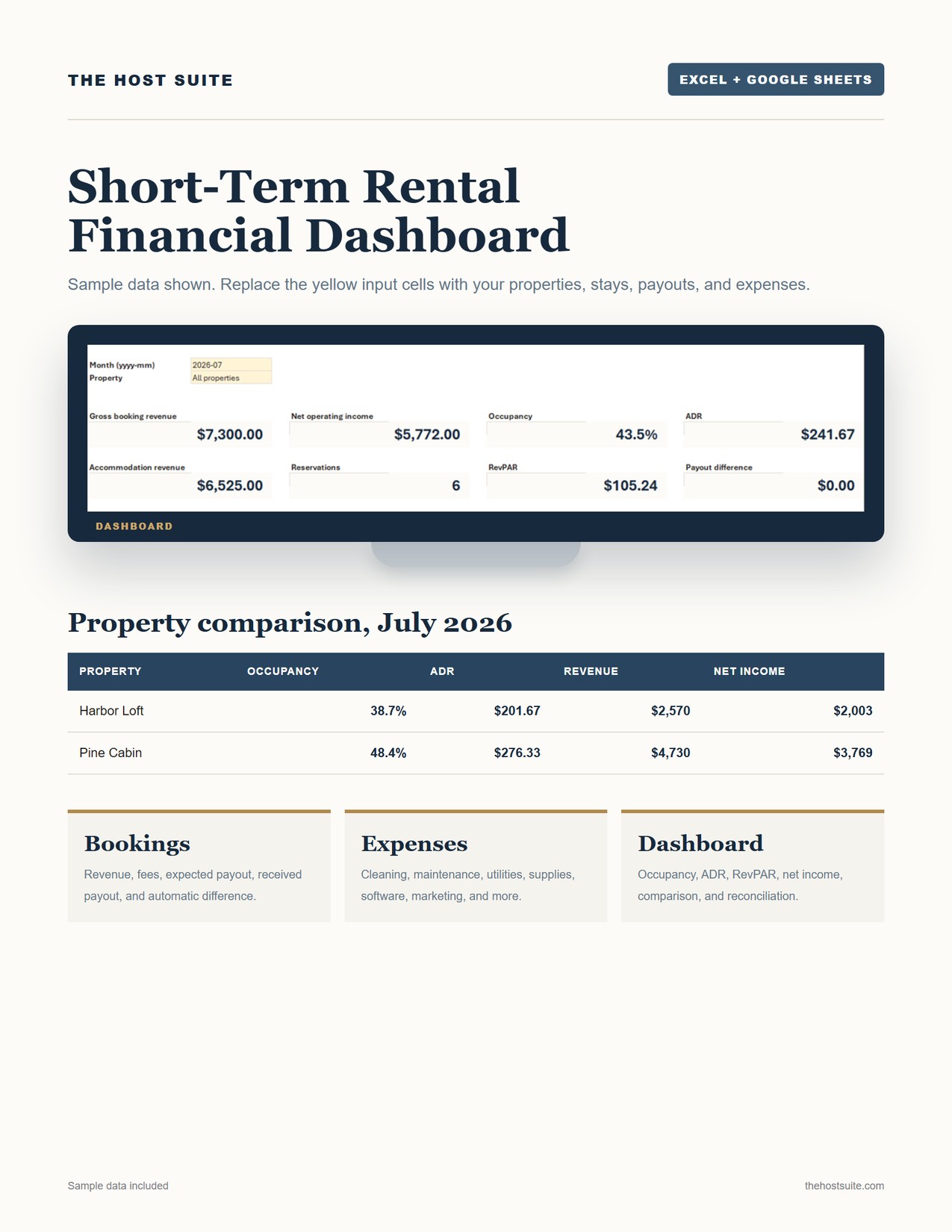
Choose a month and one property, or all properties. The dashboard calculates accommodation revenue, cleaning and other income, platform and payment fees, operating expenses, net income, reservations, nights, occupancy, ADR, RevPAR, and payout difference.

Revenue excludes taxes collected, so pass-through tax money does not make the operating result look better than it is. Payout reconciliation includes those taxes because they affect the amount expected from the channel.

Seven tabs with a clear job

Start here explains the setup order. Setup holds properties and default channels. Bookings calculates nights, expected payout, and differences. Expenses covers cleaning, maintenance, utilities, supplies, insurance, software, marketing, repairs, furnishings, and custom costs.

Dashboard gives the monthly operating view. Property comparison lines up occupancy, ADR, RevPAR, revenue, fees, expenses, and net income. Payout reconciliation summarizes each channel and exposes missing or mismatched payouts.

Built to be understood before it is empty

Two fictional sample properties, six stays, and six expenses are included. The workbook opens on a working dashboard instead of a blank grid. Yellow cells are inputs; blue-grey cells are formulas. Replace or delete the sample rows when you are ready.

Who it is for

Independent hosts and small short-term-rental portfolios that need a practical operating view without another software subscription. It is not a general ledger, tax return, trust accounting system, or replacement for a qualified bookkeeper or accountant.

The workbook reports the information entered. You remain responsible for payout records, expense classification, tax treatment, and accounting decisions.